Showing posts with label internet TV. Show all posts

Friday, December 9, 2011

Quick Link: The Remote- Death by Voice Control?

Voice Control, the End of the TV Remote? Samsung, LG, and others are racing to bring voice control to the TV Set 
Peter Burrows and Cliff Edwards, Bloomberg Businessweek, 12/7/11


"Most consumers’ first opportunity to talk to their TVs—and have them listen—will be through voice-enabled apps for their smartphone or tablet."

I look forward to seeing if/how Apple TV uses Siri as a remote control!


Product Details
Picture from Amazon.com
RELATED
Jakob Nielsen, Alertbox, 6/7/04  
(A great read, still holds true in 2011!)

Lynn Marentette, Interactive Multimedia Technology, 10/12/10

Harry Brignull, 90 percent of everything, 10/6/10

Bad hospital TV remote control:

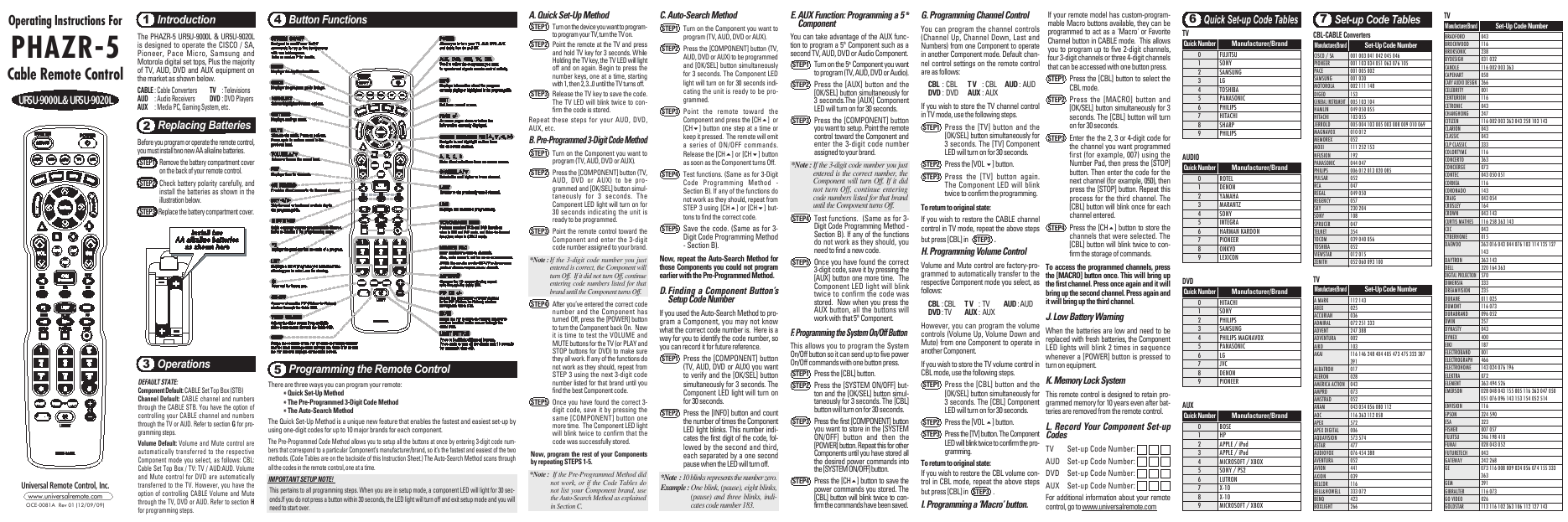
Instructions for my last remote control:

Sunday, February 6, 2011

Another close encounter with in-store digital display marketing at Best Buy, bad internet TV controllers, bowling with the Kinect, and more...

Not long ago I visited a Best Buy. While I was there, I wanted to play around with the Kinect, but the demo system hadn't arrived.  As I wandered around the store, I encountered quite a few digital displays, part of  Best Buy's recent in-store digital media marketing effort.  I later shared my experience in a blog post,  Close Encounter with "Best Buy On": Example of a multi-channel marketing approach using in-store digital media that includes an on-line magazine.  


During today's visit to Best Buy,  I noticed that there were more display centers in various departments in the store, and many of the displays had useful and informative content. The Kinect demo was up and running, too.


Within the store,  I noticed a strong emphasis on HDTVs with internet capabilities. I  was hoping that the new Internet HDTVs would come with user-friendly touch-screen controllers, or at least an app for use on touch-screen smartphones, iPads, or other touch-screen tablets. 

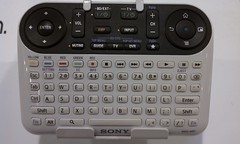
What I found was disappointing.  On display were traditional-looking multi-button remote controllers, controllers that looked like PC keyboards,  and of course, Sony's confusing multi-featured contribution to the Internet TV scene.


None of the controllers seemed to be easy-to-use, or capable of supporting web-navigation and other web interactions on HDTVs from a distance, especially when the goal is to watch movies and video from a recliner in a darkened family room.  


What sort of user-centered design or usability studies were in place during the hatching of Sony's Internet TV controller?!  (For more about bad remote controls, one of my pet peeves,  see  "Oh! No! Sony's "Mother of Remote Controls" for Google TV, 74 Buttons and Counting")


Below is a partially annotated slideshow of pictures I took of some of the displays and other things I encountered at Best Buy.  Enjoy!


Close Encounter with Kinect Bowling
It wasn't easy trying to bowl and take video with a phone at the same time! 
(Please excuse the shaky video effects and the view of my fingers.)

Tuesday, October 12, 2010

Oh! No! Sony's "Mother of Remote Controls" for Google TV. 74 Buttons and Counting.

Today we switched from DISH to Time Warner Cable, and tonight I had to battle with a new remote control, the UR5U-8780L.  The experience with this remote led me to search for something better. What a coincidence!  In this day and age of touch-screens,  I was hoping for something better than....


Sony's Mother of Remote Controls!

-From the SonyStyle website: Television, meet internet., 

I first learned of this complex addition to the world of TV/Internet surfing from an article and a video in a recent article in Engadget:  Sony's Google TV controller outed on ABC's Nightline (video) Ross Miller,10/5/10.  Harry Brignull also posted about the new controller- Sony, Sony, what have you done?
(Harry is a UX Consultant at Madgex, and author of the 90percent of everything blog.)


ABC Video, via engadget

It is 2010, and with TVs connected to the internet, we'll be interacting with content in ways we could only dream of in the recent past.  Interactive TV is here.  Do I really have to push a lot of buttons in order to have the best "interactive" experience?  


OTHER OPTIONS
Xfinity Remote Prototype for the iPad


Turn Your iPhone into a TV Remote Samuel Axon, Mashable/Apple
L5 Remote: Turn your iPhone or iPod touch into a universal remote control:
L5 remote


Not Yet Available:  Vizio's XRT100 touchscreen remote
Vizio_touch_remote.jpg

My Fancy New Remote, Instructions Included: