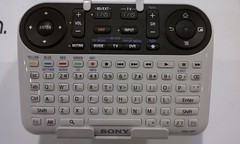
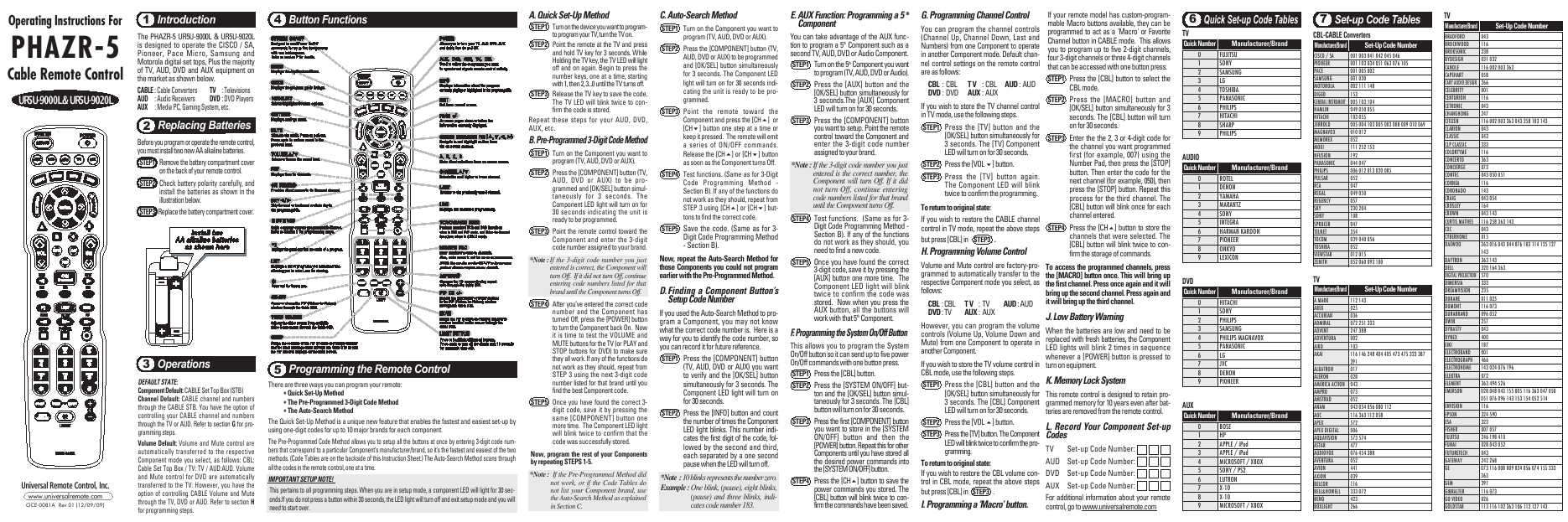
Traditional remote controls for televisions and home media centers are particularly frustrating to use, in my opinion. There are too many buttons, the buttons are too small, and it is easy to mess it all up. (I've touched on this topic in a number of blog posts, such as UX of ITV: The User Experience and Interactive TV (or Let's Stamp Out Bad Remote Controls) and others, linked at the end of this post.)
There is hope for the future! I'm happy to share a video about a method of remote control that might make interacting with my TV less annoying...and possibly pleasant!
Researchers at the Technical University of Darmstadt have been working on a way for people to control their TV without a remote or hand-held device. I think they are on the right path. The video shows how UI elements, mapped to the hand, can be touched, with accuracy, to interact eyes-free with a large-screen TV. This work won the Best Paper award at EuroITV'12.
For more details, see Leveraging the Hand Surface as and Eyes-free TV Remote Control and the references below:
Niloofar Dezfuli, Mohammadreza Khalilbeigi, Jochen Huber, Florian Müller, and Max Mühlhäuser. 2012. PalmRC: Imaginary Palm-based Remote Control for Eyes-free Television Interaction. In Proceedings of the 10th International Conference on Interactive Television (EuroITV '12). ACM, New York, NY, USA, to appear.
Niloofar Dezfuli, Mohammadreza Khalilbeigi, Jochen Huber, Florian Müller, and Max Mühlhäuser. 2012. Leveraging the palm surface as an eyes-free tv remote control. In Proceedings of the 2012 ACM annual conference extended abstracts on Human Factors in Computing Systems Extended Abstracts (CHI EA '12). ACM, New York, NY, USA, 2483-2488. http://doi.acm.org/10.1145/2223656.2223823
SOMEWHAT RELATED
Oh! No! Sony's "Mother of Remote Controls" for Google TV
Interactive Multimedia Across Platforms and Screens: Adobe's Open Screen Project; MEX Mobile User Experience Manifesto... (Please don't annoy the user!)
Usability of a Remote Control
Quick Link: The Remote - Death by Voice Control?
There is hope for the future! I'm happy to share a video about a method of remote control that might make interacting with my TV less annoying...and possibly pleasant!
Researchers at the Technical University of Darmstadt have been working on a way for people to control their TV without a remote or hand-held device. I think they are on the right path. The video shows how UI elements, mapped to the hand, can be touched, with accuracy, to interact eyes-free with a large-screen TV. This work won the Best Paper award at EuroITV'12.
For more details, see Leveraging the Hand Surface as and Eyes-free TV Remote Control and the references below:
Niloofar Dezfuli, Mohammadreza Khalilbeigi, Jochen Huber, Florian Müller, and Max Mühlhäuser. 2012. PalmRC: Imaginary Palm-based Remote Control for Eyes-free Television Interaction. In Proceedings of the 10th International Conference on Interactive Television (EuroITV '12). ACM, New York, NY, USA, to appear.
Niloofar Dezfuli, Mohammadreza Khalilbeigi, Jochen Huber, Florian Müller, and Max Mühlhäuser. 2012. Leveraging the palm surface as an eyes-free tv remote control. In Proceedings of the 2012 ACM annual conference extended abstracts on Human Factors in Computing Systems Extended Abstracts (CHI EA '12). ACM, New York, NY, USA, 2483-2488. http://doi.acm.org/10.1145/2223656.2223823
SOMEWHAT RELATED
Oh! No! Sony's "Mother of Remote Controls" for Google TV
Interactive Multimedia Across Platforms and Screens: Adobe's Open Screen Project; MEX Mobile User Experience Manifesto... (Please don't annoy the user!)
Usability of a Remote Control
Quick Link: The Remote - Death by Voice Control?